

Ready for work.
Devices, apps and accounts set up around your team. For small businesses using Mac, iPhone and iPad.
The right setup from the start.
Whether you’re welcoming new starters, introducing device management or bringing consistency to an existing setup, Bloom helps you get everything ready.
As an Apple Technical Partner, we configure and test the setup, then show your team how it works.

Everything your team needs to get started.
Devices
Device management
New starters and leavers
Team handover
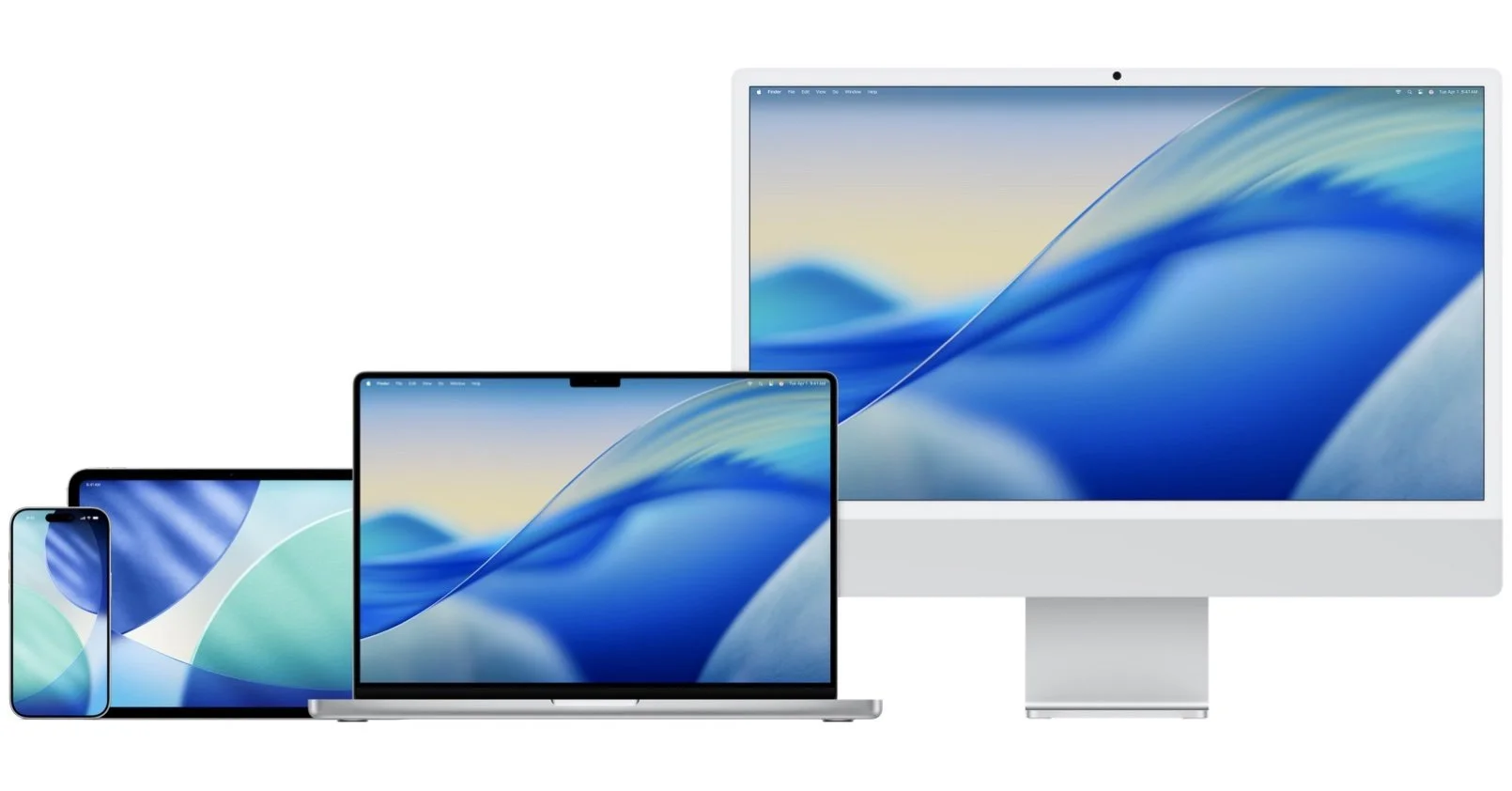

Connect company devices to a management platform to simplify configuration, app installation and ongoing control.
Configure Mac, iPhone and iPad for the people using them, with agreed apps and settings.
Security and access
Apps and accounts
Apply agreed settings for passwords, encryption, updates and permissions.
Set up business accounts and access to the apps, shared files and information each person needs.
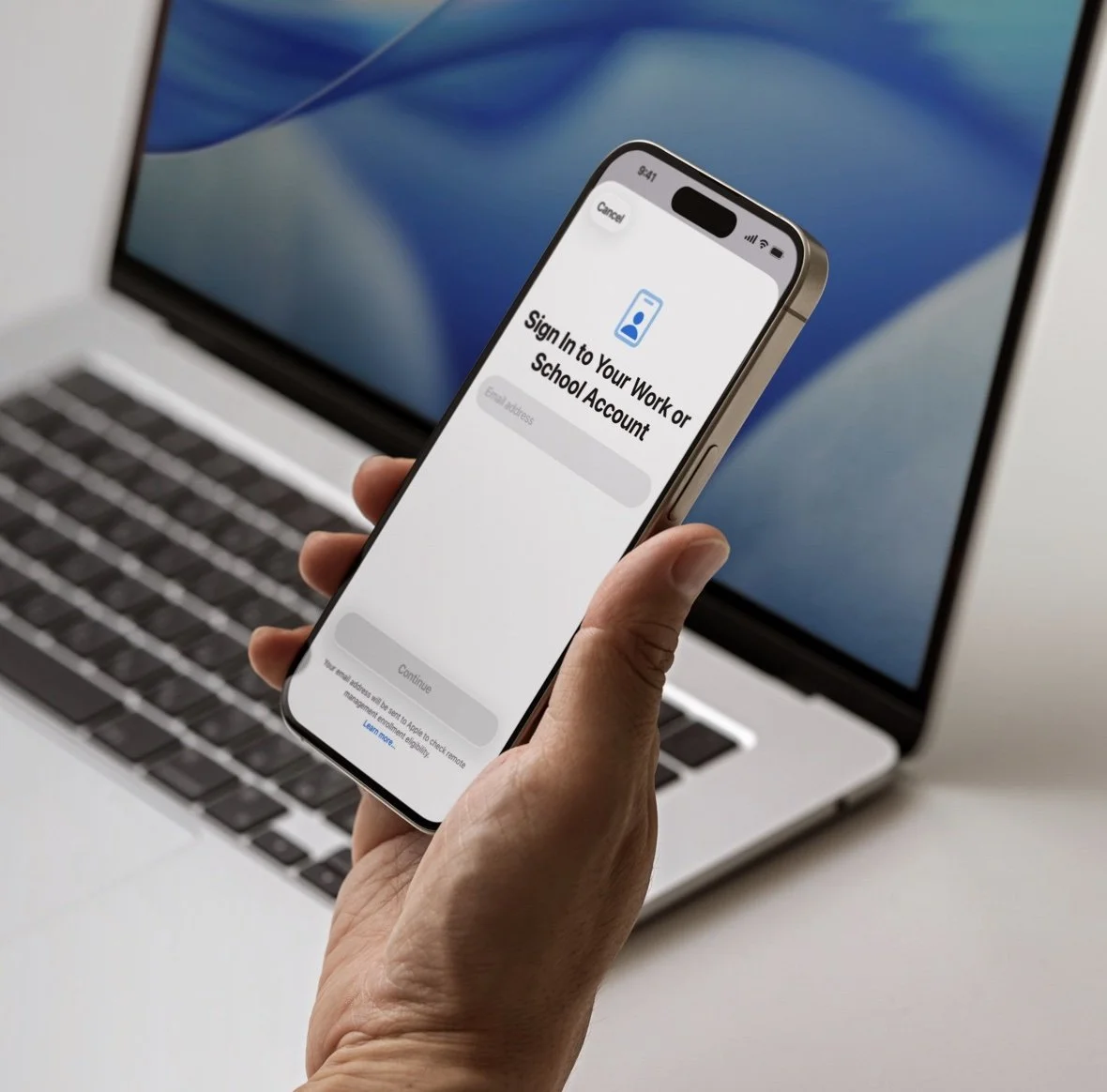

Test the setup, document the essentials and explain where to find help.
Create repeatable steps for issuing devices, granting access, returning equipment and reassigning it.
Starting fresh. Adding people. Getting organised.
-

Setting up your business?
Give your team a consistent starting point for devices, accounts and apps.
-

Welcoming new starters?
Have their equipment and access ready before their first day.
-

Managing devices manually?
Introduce a clearer way to configure, update and keep track of company devices.
-

Bringing order to an existing setup?
Agree a standard approach and apply it across your team.
A clear scope. An agreed price.
Every project is quoted after we agree the scope. Hardware and software licences are identified separately.
Prepare a Mac and mobile device, configure existing work accounts and apps, and provide a practical handover.
New starter setup
Configure a management platform, enrol agreed devices and apply the required apps and security settings.
Device management setup
Bring devices, accounts, apps and access together for a new or growing team.
Business setup

Configured. Tested. Explained.
We agree what your team needs, configure the setup and test that it works as intended.
You receive a practical handover and a record of the essentials. Ongoing management and technical help are available through a separate support plan.
-
Yes. We’ll check their suitability and explain any preparation needed. Some changes may require a device to be erased and set up again.
-
It depends on your devices, working practices and support needs. We’ll explain where management would help and recommend an appropriate setup.
-
Yes, where they support the agreed requirements. We start with what you already use and identify any changes or additional licences needed.
-
Bloom focuses on setup and support. We can advise on suitable equipment and coordinate setup around purchases from your chosen supplier.
FAQ
Start with a free initial audit. We’ll discuss your devices, accounts and team’s needs, then recommend the next step.
Detailed assessments and implementation are scoped and quoted separately.