

Apple at work. Set up right.
Bloom builds a reliable Apple foundation for growing businesses, across devices, apps, access, onboarding, security and support.
So your team can start faster, work securely and spend less time dealing with technology.
Apple expertise. Built around your business.
As an Apple Technical Partner, Bloom combines Apple expertise with a practical understanding of how small businesses work.
The result is a setup that fits your team today, and stays ready for what comes next.

Small gaps. Daily friction.
Devices are set up differently. Apps are added informally. Access depends on memory. New starters have to wait. Support becomes reactive.
Foundation replaces those workarounds with one clear, reliable setup.
Less fixing. Less chasing. A better way to work from day one.
What Foundation covers.
Apple Business setup
Devices and management
Onboarding and offboarding
Security

Ready from the start.
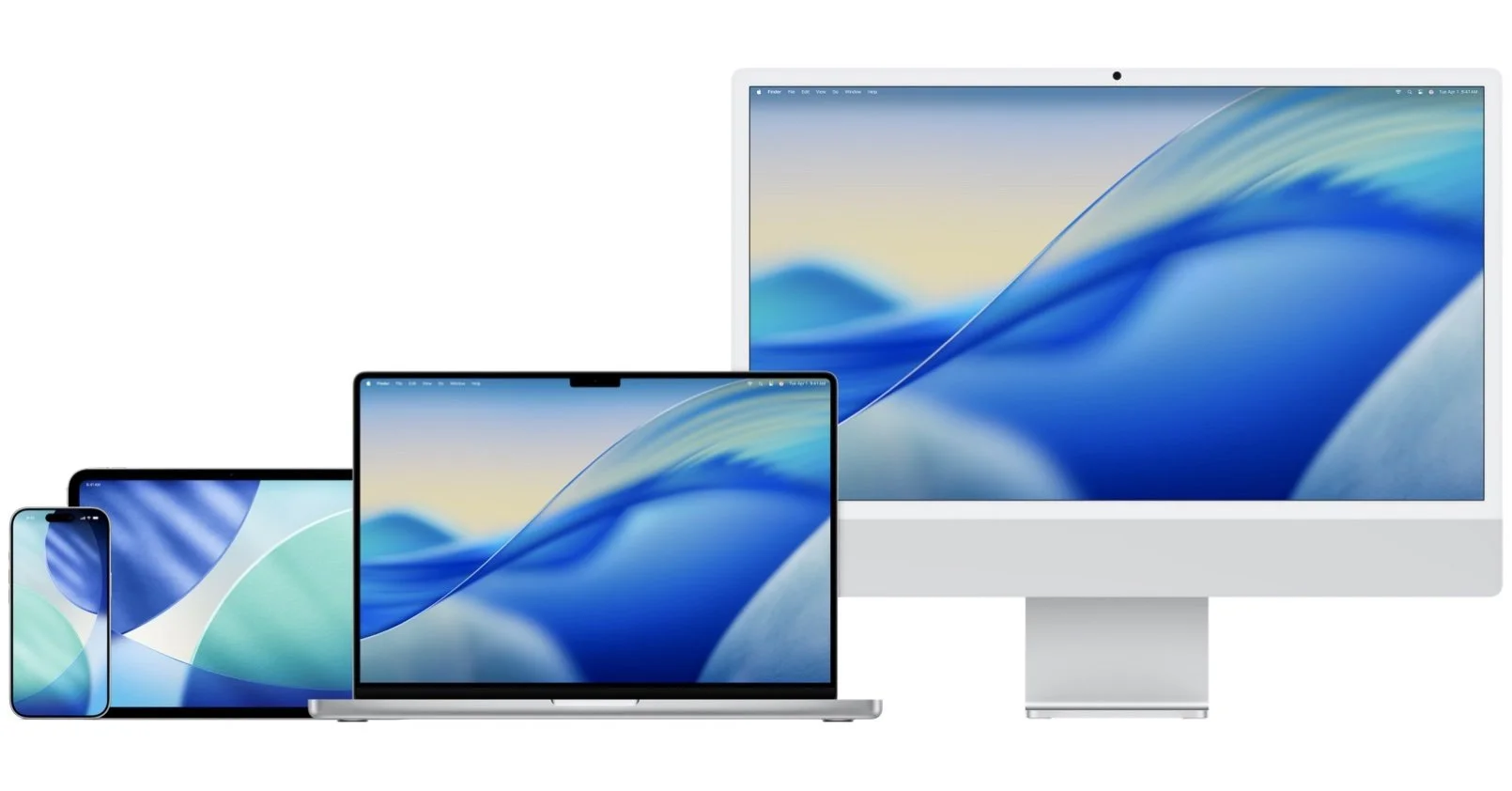
Make Mac, iPhone and iPad easier to deploy, configure and support.
Keep settings consistent, install the right apps and manage devices remotely where appropriate.
One clear place to begin.
Set up Apple Business Manager around your company, people and ways of working.
Bring users, groups, apps, devices and support routes into a structure that’s easier to understand and manage.
Email, calendar and directory
Apps and access
Keep everyone connected.
Create a professional setup for business email, shared calendars, contacts and your team directory.
Make it easier to coordinate work, wherever your team happens to be.
The right tools. The right access.
Give everyone the apps, accounts, files and permissions they need to do their work.
Simple for your team. Controlled for your business.
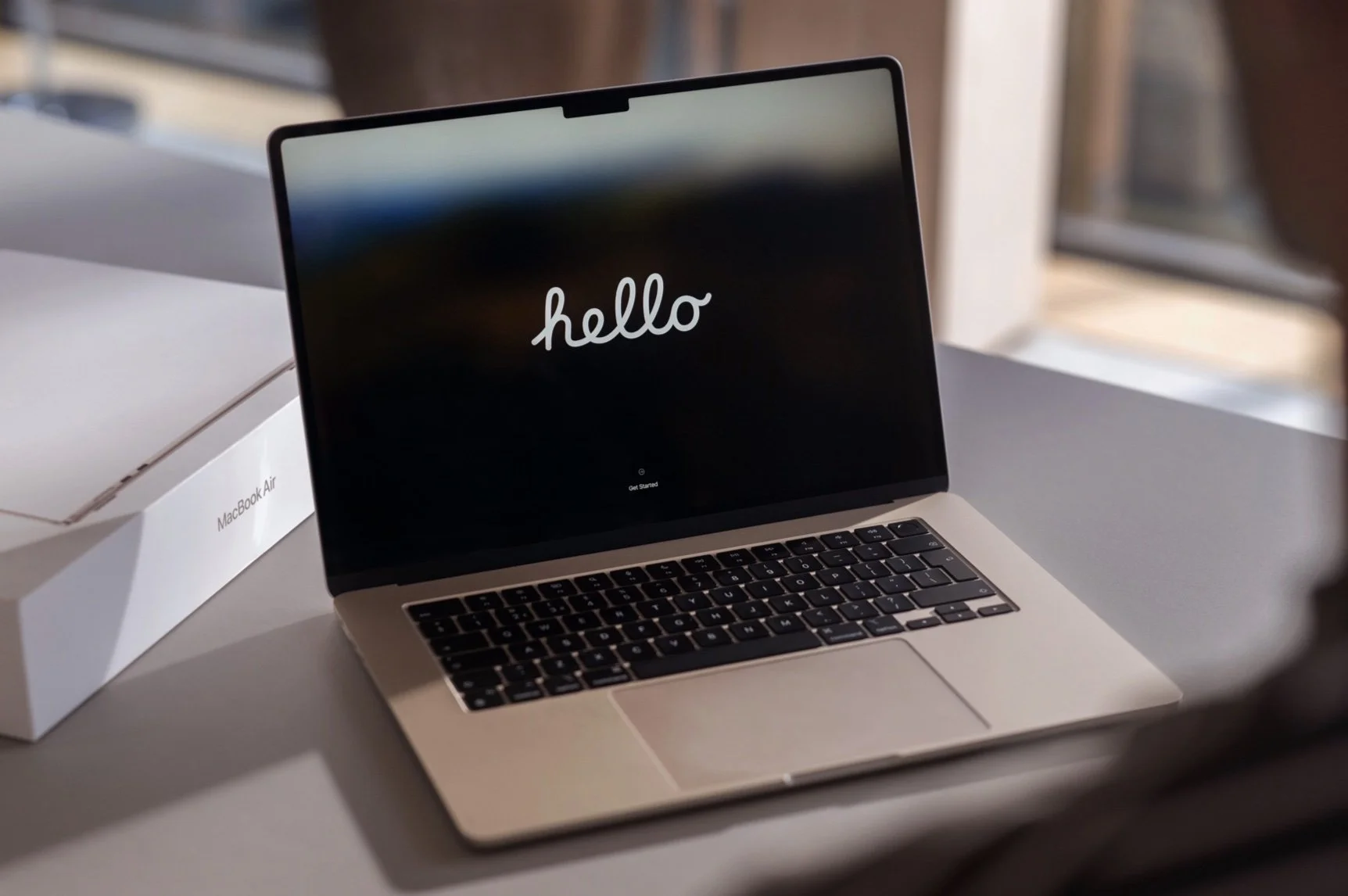
Protection without the friction.
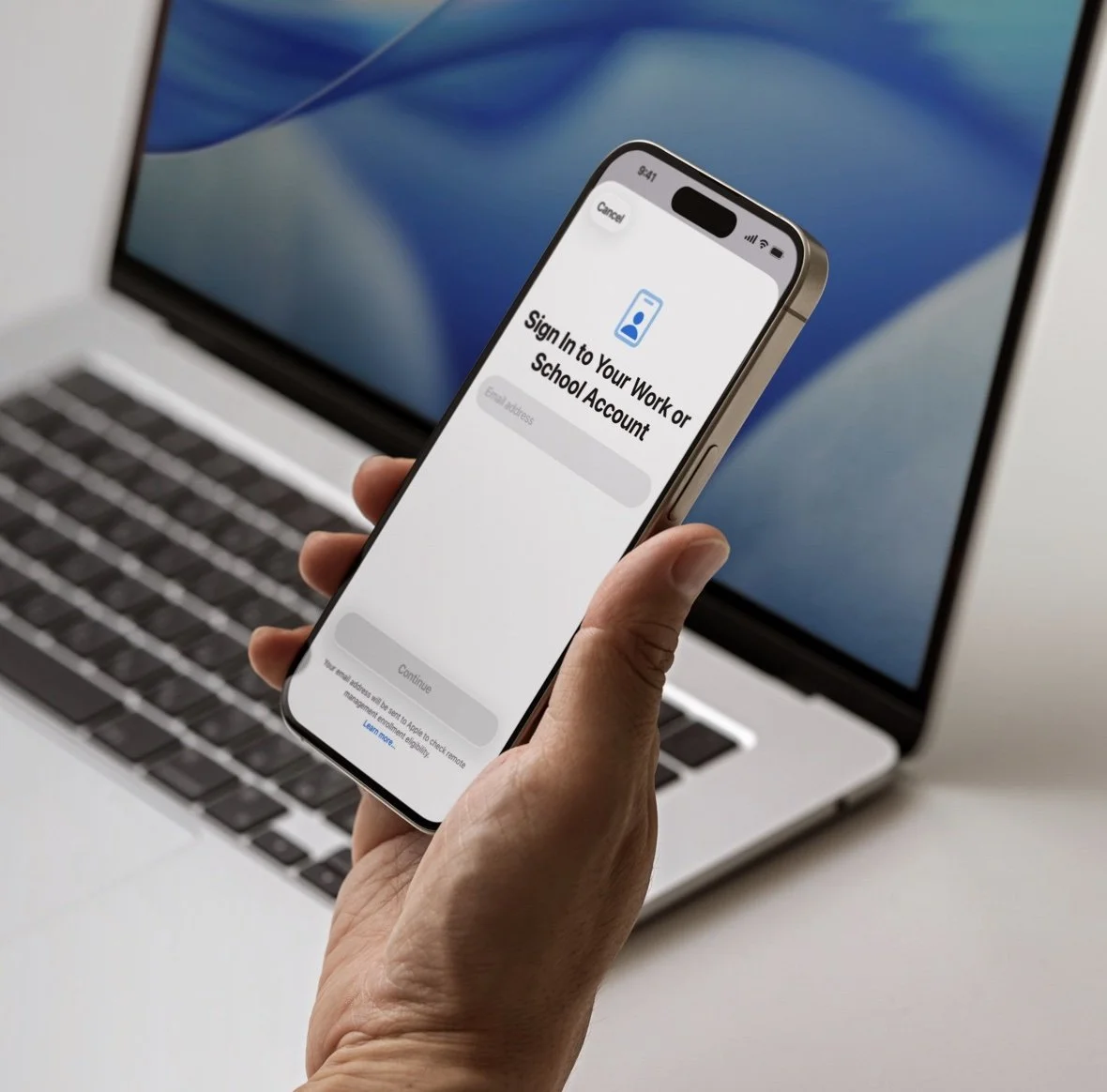
Build practical safeguards into devices, accounts, access, updates and data handling.
Security that supports good work instead of getting in its way.
Ready on day one. Handled on the last.
Prepare devices, apps and access before someone starts.
When they leave or change roles, update accounts and recover business access through a clear, repeatable process.
What changes.
-

People start faster.
Devices, apps and access are ready before the work begins.
-

The business sees more.
Users, devices, settings and support needs are easier to understand and manage.
-

Everyday support gets simpler.
Your team knows where to go, and problems follow a clear route to resolution.
-

Growth creates less friction.
Add people, devices, locations and new ways of working without rebuilding everything each time.
Get the foundation right. Then go further.
Foundation is for small and medium businesses that want Apple to be a reliable part of everyday work.
It can help when you’re:
Setting up Apple for the first time
Bringing consistency to an existing setup
Improving onboarding and offboarding
Managing office, hybrid or field-based teams
Strengthening security and access
Creating a clearer route for support
Preparing the business to grow
Set up and manage your Apple technology properly.
Foundation
Improve how work moves across your team, tools and customers.
Use AI and automation where they save time and improve the work.

Not sure what needs fixing first?
Start with a Workflow Review.
We’ll look at your devices, apps, access, onboarding and everyday workflows.
You’ll see where friction is creating unnecessary work, what should change first and what a better setup could look like.
Ready for a stronger Apple foundation?
Whether you’re starting fresh or improving what you already have, Bloom can help you find the right next step.
-
Apple Business is Apple’s platform for managing devices, apps and access across a business. It helps companies set up Macs, iPhones and iPads more consistently and gives better control as the team grows.
-
Not every small business needs a complex setup, but device management becomes useful when several people use company-owned Apple devices. It can simplify onboarding, security, app deployment and ongoing support.
-
Yes. Bloom can help design and implement a practical Apple setup for new and existing employees, including device configuration, apps, access, security and onboarding.
-
Yes. We can review how your current Apple environment is working, identify gaps or unnecessary complexity, and recommend a simpler, more reliable setup.